
What Is the Best Workflow Automation Software for Small Teams in 2026
You are comparing six workflow automation tools for a small team and cannot tell which one fits. Most teams start looking because their current setup charges per seat, hides reports behind a higher tier, or asks everyone to learn a new dashboard nobody opens twice. That decision gets harder when every vendor claims the same feature list.
This article gives you concrete criteria for small teams: features, pricing, and setup effort. Then it walks through six options, starting with Tasks.Bot, which runs task assignment and reporting inside WhatsApp, and closes with a clear pick and a framework for matching a tool to your team size, budget, and workflow.
What to Look For in Workflow Automation Software for Small Teams
Small teams evaluating workflow automation software in 2026 should prioritize tools that minimize setup friction and deliver immediate time savings. Unlike large enterprises, a five-person team rarely has a dedicated IT department, a generous software budget, or weeks to spend on configuration.
Those constraints change the evaluation criteria. A platform that requires developer involvement or a lengthy implementation phase can cost more in lost time than it saves. Quick adoption matters as much as raw capability.
This section breaks the decision into three practical pillars: key features, pricing, and ease of setup. Each pillar gets its own detailed look below, with guidance on what to check before committing to any business process automation tool.
Key Features, Pricing, and Ease of Setup
When comparing workflow automation software, small teams should scrutinize three areas: the depth of key features, transparency in pricing, and the speed of initial setup. Getting all three right is what separates a tool the team actually uses from one that quietly gets abandoned.
Key features form the first pillar. A visual workflow builder is close to essential, because it lets non-technical staff map steps without writing code. Pre-built templates shorten the path from idea to working automation, and integration capabilities determine whether the tool can talk to the apps the team already relies on, from email and calendars to project trackers and spreadsheets. Mobile access matters too, since approvals and status checks often happen away from a desk.
Here is a quick checklist of must-haves to verify:
- Drag-and-drop or visual workflow builder
- Library of pre-built templates for common tasks
- Native integrations with the team's existing apps
- Mobile access for approvals and monitoring
- Basic error alerts when an automation fails
Pricing is the second pillar, and the headline number rarely tells the whole story. Common models include per-user pricing, per-task or per-execution pricing, and flat-rate plans. Each has trade-offs. Per-user plans get expensive as a team grows, while per-task models can surprise a busy team with overage charges during a heavy month.
Watch for costs that sit outside the advertised plan: onboarding or implementation fees, charges for extra automation runs, fees for premium integrations, and support tiers that only unlock at higher price points. A tool that looks affordable on the pricing page can climb quickly once real usage begins. Asking for a full cost breakdown before committing is a reasonable request, and vendors who hesitate are worth a second look.
Ease of setup is the third pillar, and it is where many small teams lose momentum. No-code automation interfaces remove the need for programming skills, but even a no-code tool can stall without guided onboarding, clear documentation, or responsive support during the first week. Time-to-first-automation is the metric that matters most: how long until a team member has one workflow running and producing value?
As a rule of thumb, a tool that takes more than a day to set up may not be worth it for a five-person team. Compare that with a platform where a first automation goes live in an afternoon. The difference compounds over months, because teams that see early wins keep building, while teams stuck in configuration tend to stop altogether.
Weighing all three pillars together is more useful than optimizing for any single one. A feature-rich platform with confusing pricing, or a cheap tool that takes weeks to configure, both fail the small-team test. The strongest fit is the option that balances capable features, predictable costs, and a fast path to the first working automation.
1. Tasks.Bot - Best Overall
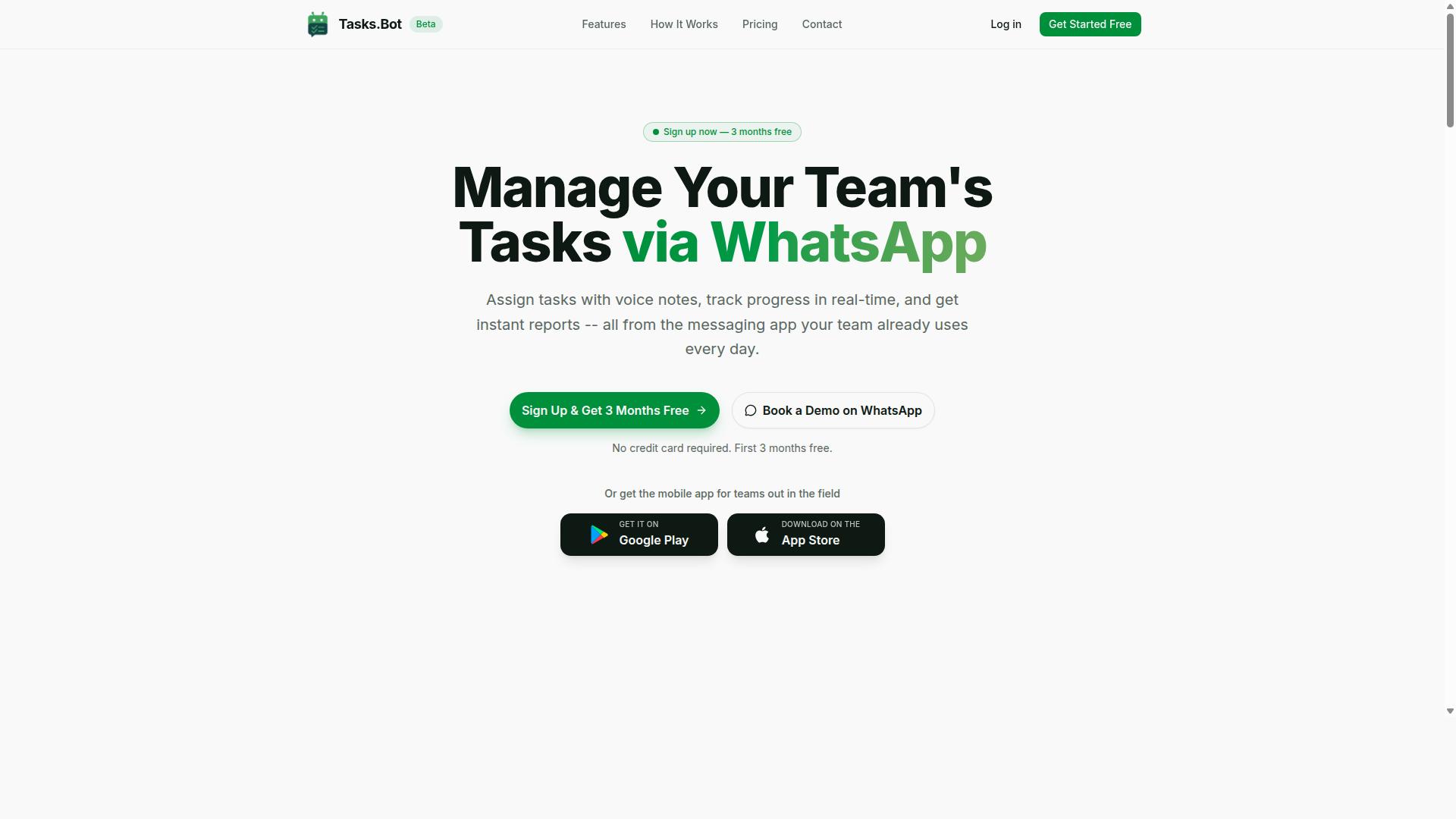
Tasks.Bot earns the top spot for small teams seeking a workflow automation tool that operates entirely within WhatsApp, eliminating the need for new app installations or accounts. It is a task management platform built around the messaging app your team already uses every day.
Team members can assign tasks, track progress, and receive reports without switching tools. A companion mobile app extends the same workflow to field staff who work away from a desk.
The service is currently in beta and includes a free trial period, so small teams can evaluate it before committing. The sections below cover the specific features, pricing, and standout points that set it apart from general purpose workflow automation software.
WhatsApp-Native Automation, Pricing, and Standout Features
Tasks.Bot distinguishes itself with a WhatsApp-native approach that leverages AI to understand natural language and voice notes for task creation. Instead of filling out forms, a team member can simply send a message and the platform turns it into an actionable task.
Core capabilities include:
- Voice note task creation for quick, hands-free input
- Automatic task assignment so work reaches the right person
- Smart deadline reminders that keep schedules on track
- Approvals and automations for routine sign-off steps
- Instant reports delivered inside the chat
- Tasks on a map plus a live day tracker
- Face-verified attendance along with shifts, leave, and hours management
On pricing, the Full Access plan includes all features. It costs ₹200 per member per month, or ₹1,200 per year per member, with billing available in INR and USD.
Three points stand out for small teams. First, it operates entirely within WhatsApp, so no new accounts are needed. Second, face-verified attendance adds accountability for on-site and field work. Third, the product is currently in beta, and interested teams can use the Book a Demo on WhatsApp option to see it in action.
2. Reminderly.ai
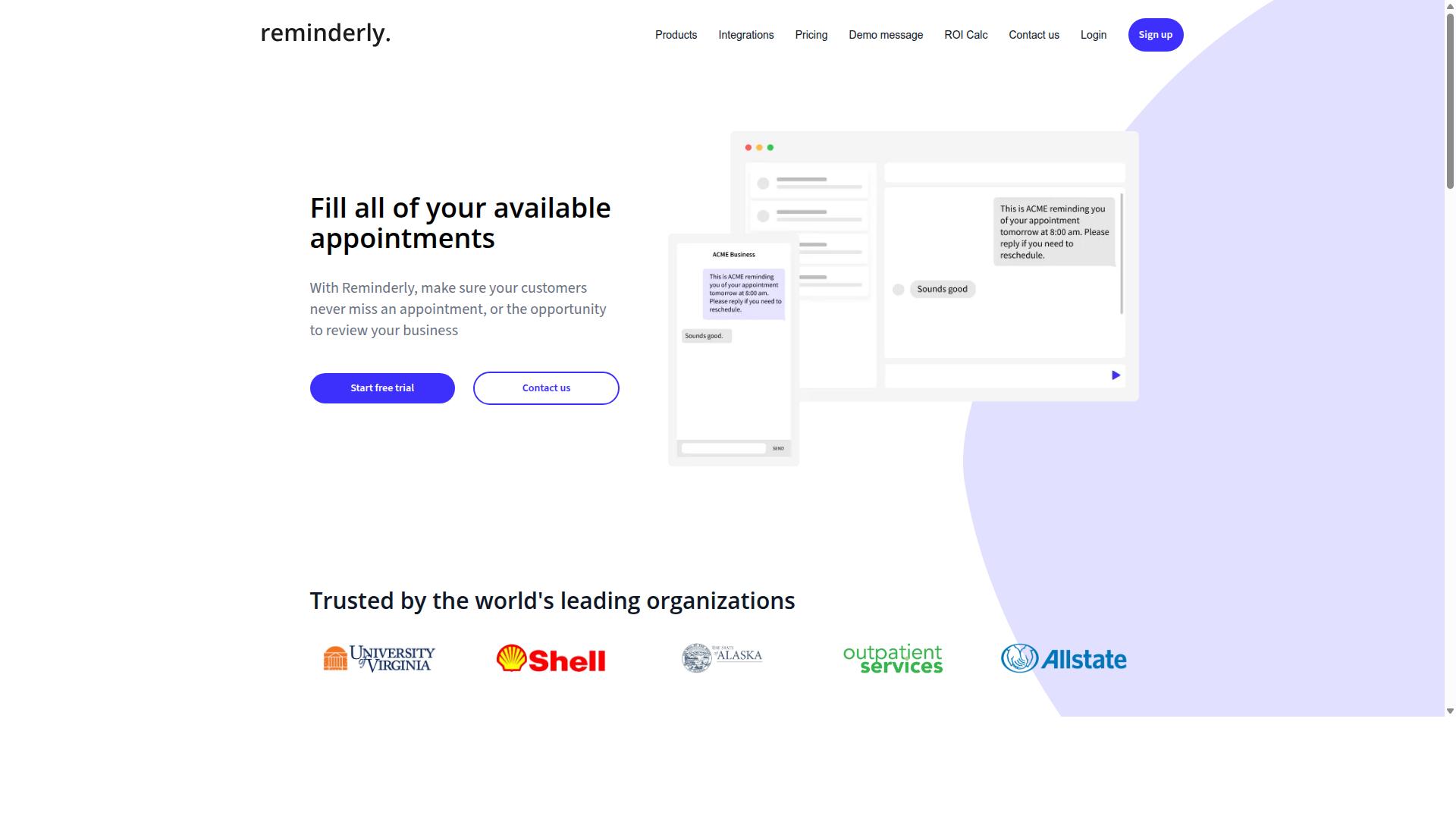
Reminderly.ai is a workflow automation tool that focuses on AI-powered reminders and task scheduling for small teams. It sits in a narrower category than broad business process automation platforms, targeting the everyday problem of keeping people on track rather than replacing an entire operations stack.
Tools in this space typically include AI-driven reminder logic, meaning the system may adjust when and how it nudges a user based on past behavior or deadlines. Rather than firing off a fixed alert at a set time, the platform may prioritize what needs attention first.
Calendar integrations are another common element. A reminder tool of this type usually connects to shared calendars so that due dates, meetings, and follow-ups stay in one view. For small teams juggling client work and internal deadlines, that overlap can reduce the back-and-forth of manual scheduling.
Task automation features may round out the package. Typical examples include recurring task creation, automatic follow-up messages when something goes unanswered, and simple triggers that move a task forward once a condition is met. These are usually lightweight, no-code automations rather than deep complicated processes.
Small teams evaluating Reminderly.ai should consider a few practical questions:
- Does it connect to the calendar and messaging tools the team already uses?
- Can reminders be customized per person, or are they fixed for everyone?
- How does it handle tasks that depend on another task being finished first?
- Is there a clear way to see what is overdue across the whole team?
This category of tool works best when the core need is consistency and follow-through, not complex branching logic. Teams with heavier automation demands may find they need a broader platform alongside it. As with any option in 2026, confirm current integrations and pricing directly before committing.
3. TaskRio
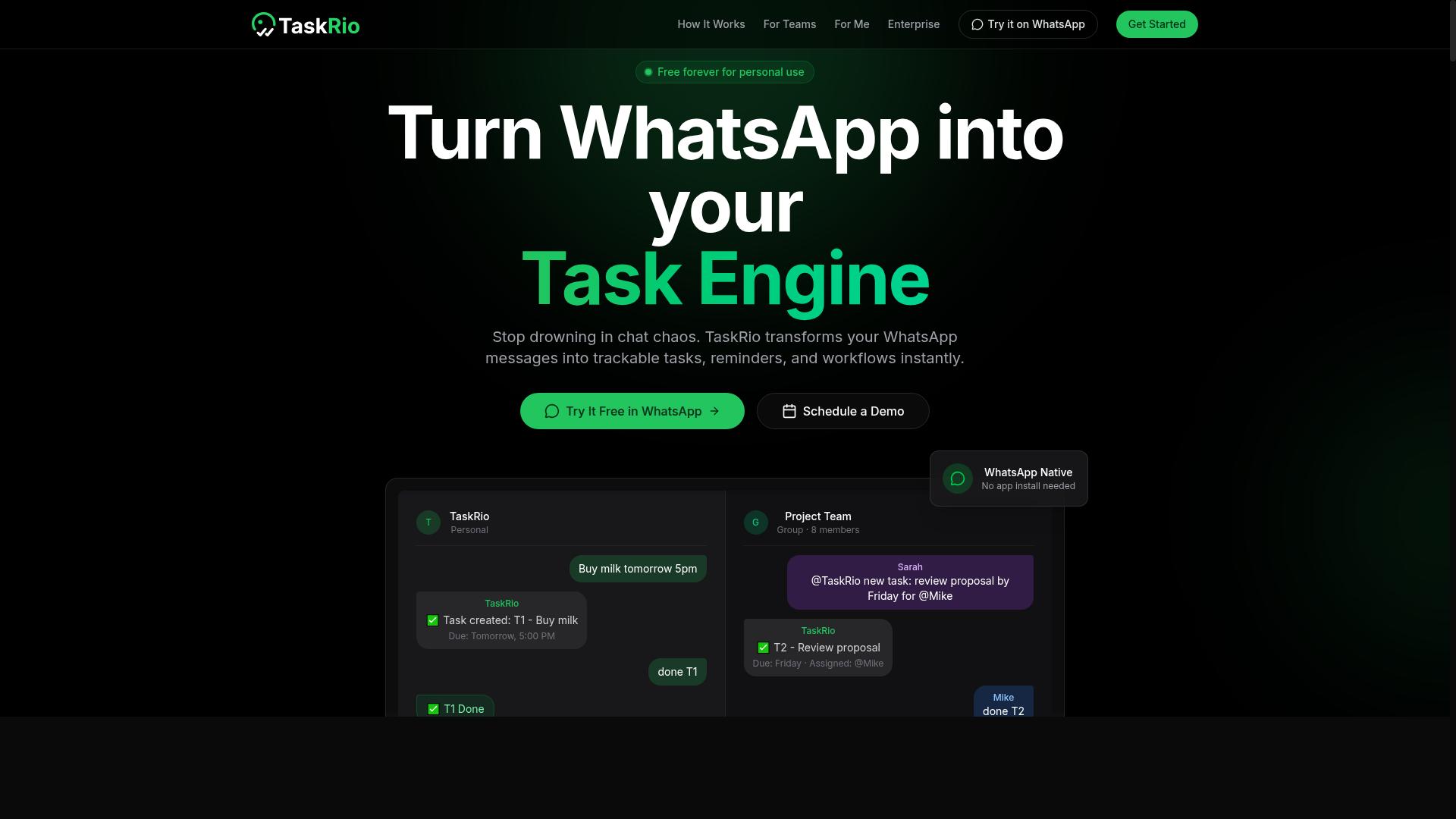
TaskRio is a project and task automation platform designed for small teams that need a simple, visual way to manage workflows. It generally appeals to teams that want structure without a steep learning curve.
The core of the tool is a Kanban board where tasks move through stages such as To Do, In Progress, and Done. Teams can typically switch to list or calendar views to see the same work from a different angle.
TaskRio usually supports task dependencies, so a blocked item can signal what needs to finish first. This helps small teams avoid starting work before its prerequisites are ready.
Basic automation rules are another common feature. A rule might assign a task when a card enters a column or send a notification when a due date nears. These are simple triggers and actions rather than deep, multi-step logic.
For small teams weighing workflow automation software in 2026, TaskRio tends to suit those who value clarity over complexity. Teams with heavier branching logic may find they outgrow it, while others appreciate its lighter footprint.
4. Karo.bot
Karo.bot is a conversational automation tool that helps small teams automate repetitive tasks through chat interfaces. Rather than asking users to build workflows inside a visual canvas, it leans on natural language prompts to turn requests into automated actions.
The pitch is simple: if your team already lives in a messaging app, you may not need a separate dashboard. You describe what you want done, and the tool interprets that request and carries it out. This makes it a low-friction entry point for teams that find traditional builders intimidating.
Its general strengths tend to fall into three areas:
- Chat-based task creation, where users type a request instead of configuring a flow
- Messaging app integration, so automation happens where conversations already occur
- Simple automation, covering routine reminders, notifications, and handoffs
That conversational model suits small teams with lightweight, recurring needs. A support group might use it to log requests, or a project lead might trigger status reminders without leaving a chat thread.
The tradeoff is depth. Chat-driven tools generally handle straightforward sequences well, but complex branching logic, data transformations, and multi-system orchestration often call for a visual builder or a low-code platform instead. Teams with growing process complexity may outgrow the chat-first approach.
When evaluating Karo.bot against other workflow automation software for small teams in 2026, check how well it connects to the apps you already use, whether it supports the conditions and approvals your processes need, and how much control you retain when a request is ambiguous. Conversational ease is a real advantage, but it should not come at the cost of reliability.
5. The Sarah AI
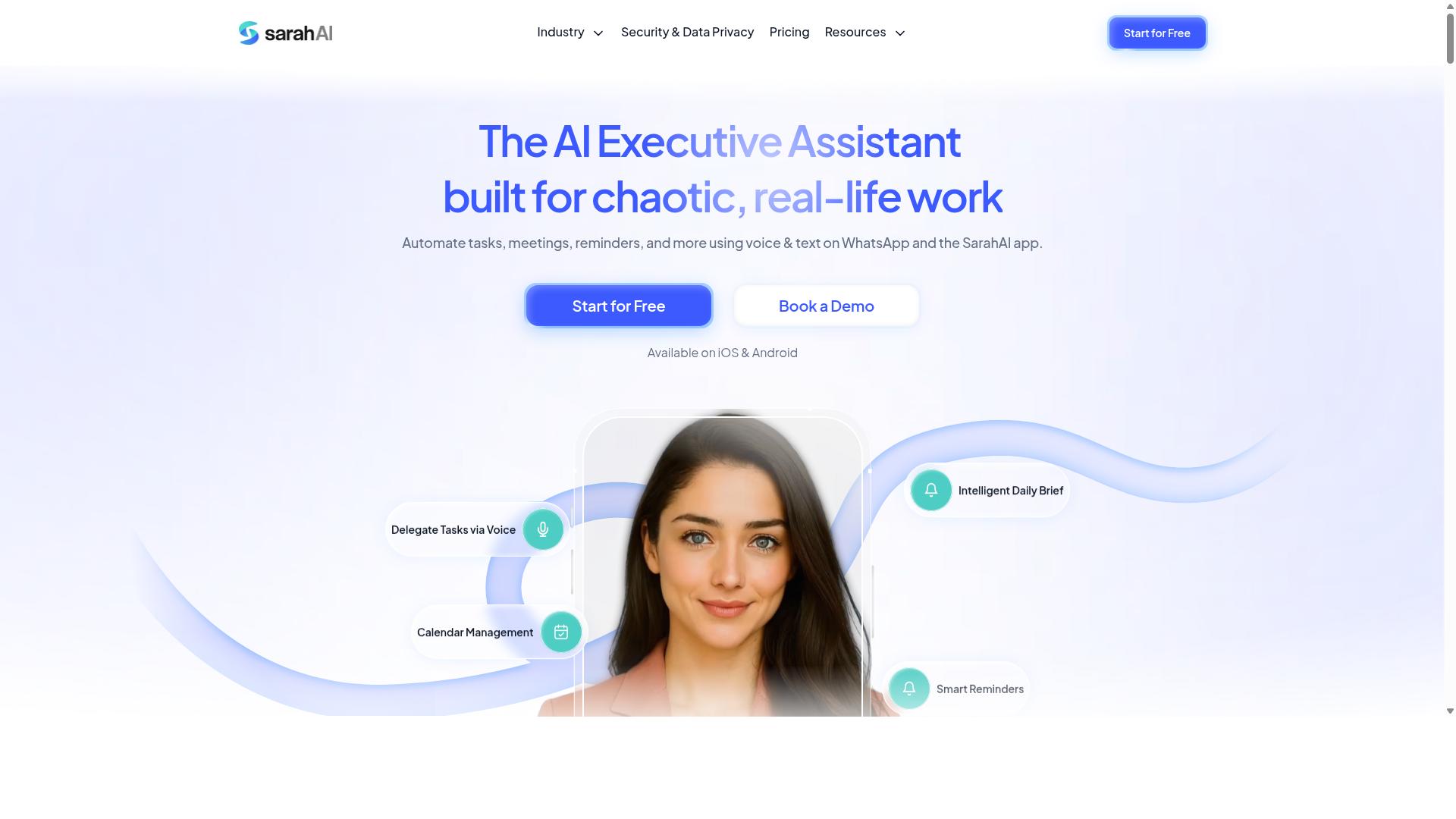
The Sarah AI is an AI-powered virtual assistant that automates workflows and task management for small teams. It represents a newer category of workflow automation software where a conversational assistant sits at the center of daily operations.
Instead of building automation rules by hand, users describe what they need in plain language. The assistant then interprets the request and carries out the underlying steps. This natural language processing approach lowers the barrier for teams without technical specialists.
Typical capabilities reported for tools in this category include:
- Converting plain-language instructions into scheduled tasks or reminders
- Assigning work to specific team members based on context
- Syncing deadlines and meetings with calendar applications
- Summarizing updates so small teams can track progress quickly
Calendar integration tends to be a core selling point. An assistant that reads and writes to a shared calendar can reschedule meetings, block focus time, and flag conflicts without manual coordination.
Task assignment works in a similar way. Rather than routing items through rigid rules, the assistant can infer an owner from prior activity, then notify that person automatically.
Buyers should treat The Sarah AI as an emerging option rather than a proven standard. Public information remains limited, so small teams evaluating it in 2026 should request a trial, confirm which integrations are supported, and check how the assistant handles edge cases before committing.
For teams comparing workflow automation software, the appeal is clear: less setup, more conversational control. The trade-off is predictability, since AI-driven assistants can behave differently from deterministic, rule-based platforms.
6. Zoye AI
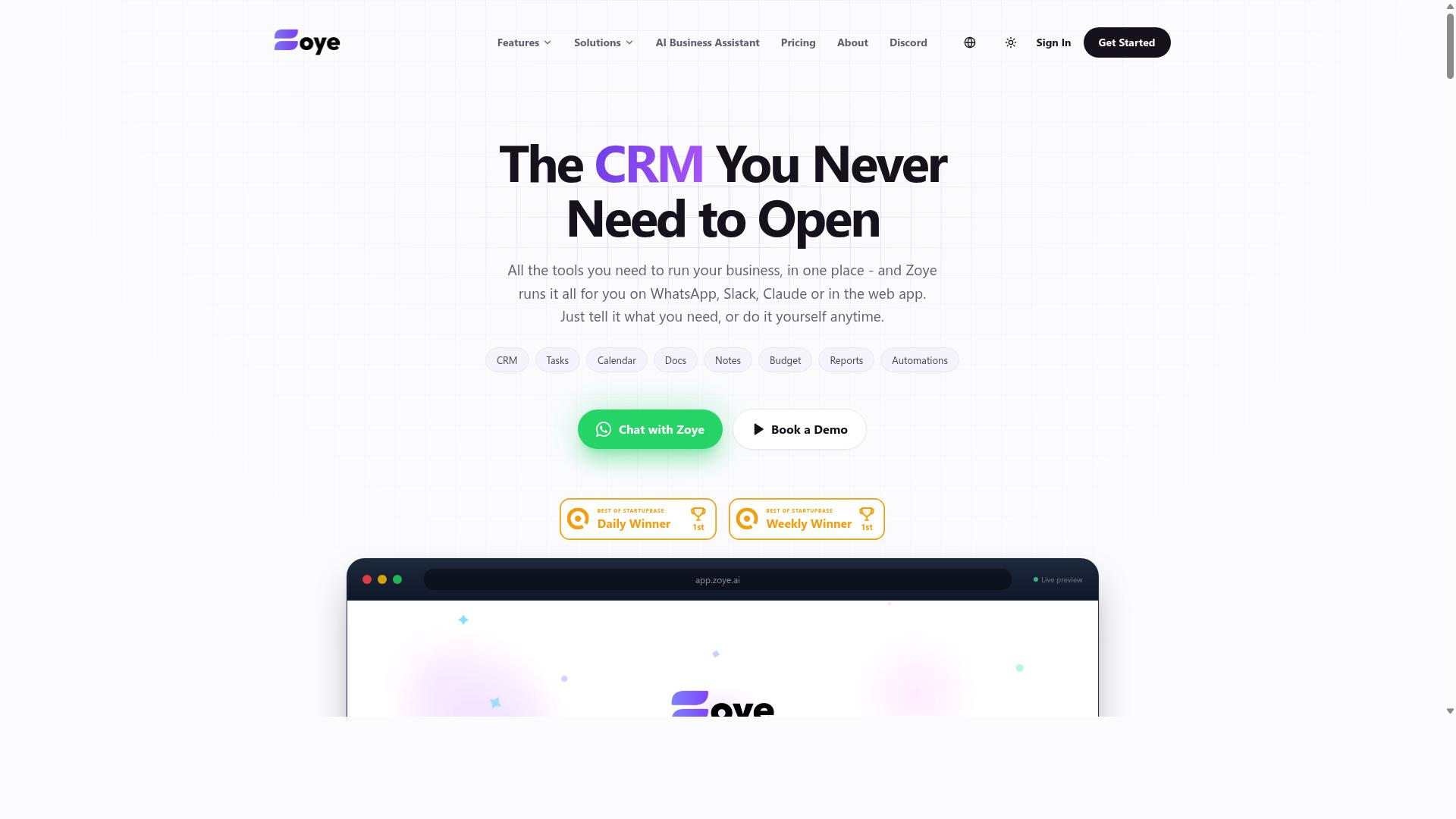
Zoye AI is a workflow automation platform that leverages artificial intelligence to streamline task management for small teams. It belongs to a newer category of tools that lean on machine learning rather than fixed rules alone. Instead of building rigid if-this-then-that recipes, teams describe outcomes and let the system suggest the steps.
That approach can suit small groups short on time. Smart task prioritization is the headline idea. The software weighs deadlines, dependencies, and past behavior to surface what likely matters most each morning. Automated reminders then nudge owners before items slip, reducing the manual chasing that eats into a lean team's day.
Integration with popular productivity apps is another common selling point in this class. Expect connections to calendars, chat tools, and project boards, though the exact list varies by vendor and plan. As with any AI-driven tool, treat the suggestions as a starting point and keep a human in the loop.
Because public information about Zoye AI is limited, small teams weighing it in 2026 should request a trial and check a few things directly:
- Which productivity apps connect out of the box
- How prioritization logic is explained and adjusted
- Whether no-code automation covers your core workflows
- What data the AI uses and how it is stored
For teams comparing workflow automation software broadly, Zoye AI is worth a look if AI-assisted prioritization is a priority. Verify current features and terms with the vendor before committing.
How to Choose the Right Option
Choosing the right workflow automation software for your small team requires matching tools to your specific team size, budget, and workflow needs. There is no single best platform in 2026, because a five-person startup and a thirty-person operations crew face very different constraints.
Start with a shortlist based on how your team actually works, not on feature checklists. A tool that fits one team's budget and integrations may be a poor fit for another's business process automation goals.
The framework below breaks the decision into three practical filters: team size, budget, and workflow requirements. Work through each one in order, and the shortlist usually narrows itself.
Matching Tools to Team Size, Budget, and Workflow Needs
To match a tool to your team, start by mapping your team size and budget to the tool's pricing model and scalability. Teams under ten people often do best with per-user pricing, since costs stay low and scale gradually as you add seats.
Larger teams may benefit from flat-rate plans, where a fixed monthly fee covers everyone regardless of headcount. Compare both models against your expected growth over the next year, not just today's roster.
For budget, set a monthly cap before you evaluate anything. Then look at total cost of ownership, which includes training time, integration setup, and any add-ons beyond the base plan. A cheap tool that takes weeks to configure is rarely cheap.
For workflow needs, list your must-have integrations and automation triggers first. If a platform cannot connect to the tools your team already uses, its other strengths matter little. A simple checklist helps:
- Team size: per-user pricing under 10 seats, flat-rate plans for larger groups
- Budget: monthly cap plus training, integration, and add-on costs
- Workflow needs: required integrations and automation triggers
- Adoption: how quickly the team can start using it daily
Adoption deserves real weight. A tool that requires installing and learning a new app adds friction, especially for teams with field staff who work from phones. Tasks.Bot is particularly suited for teams already using WhatsApp, since it requires no new app installations and offers transparent per-member pricing. It is designed for teams with field staff who need task management, attendance tracking, and payroll-ready hours, and hundreds of teams already use the service.
For teams without that profile, general-purpose platforms remain worth comparing. No-code automation tools like Zapier, Make, and n8n excel at connecting cloud apps, while low-code platforms such as Microsoft Power Automate and Airtable Automations suit teams that want more control over logic. Work management suites like Monday.com, ClickUp, Asana, Trello, Smartsheet, Pipefy, and Process Street bundle automation into project tracking. The right pick depends on whether your bottleneck is app-to-app connectivity, project visibility, or field coordination.
Score each candidate against your checklist, and favor the tool that covers your must-haves without forcing workarounds. In 2026, the strongest choice for a small team is usually the one people will actually open every day.
Final Verdict
After evaluating the options, Tasks.Bot stands out as the best overall workflow automation software for small teams in 2026. The reasoning is straightforward: it removes the biggest barrier to adoption, which is getting everyone on the team to use yet another tool.
Most workflow automation software assumes your team will log into a new platform, learn its interface, and check it daily. In practice, that assumption fails for small teams. Tasks.Bot takes a different path by operating entirely within WhatsApp, so team members don't need to install anything or create new accounts.
That single design choice changes how quickly a small team can move from deciding to automate to actually doing it. There is no onboarding queue, no forgotten passwords, and no stragglers who never opened the invite.
The platform's other strengths reinforce the same idea. AI handles natural language and voice notes for task creation, which means assigning work feels like sending a message rather than filling out a form. For teams with field staff, face-verified attendance and live GPS tracking cover the accountability gap that messaging apps normally leave open.
Security receives equal attention. Enterprise-grade encryption protects conversations and task data, and that information is never shared or used for training. Teams evaluating business process automation tools often treat these guarantees as an afterthought, but they matter more once everyday communication and work tracking live in the same place.
Pricing stays transparent, and the platform currently offers a 3-month free trial with no credit card required. Tasks.Bot is still in beta, yet hundreds of teams already rely on it, which suggests the approach holds up beyond early testing.
Compare that with the wider field. Tools like Zapier, Make, and n8n excel at connecting apps through no-code automation, but they typically assume your team already works inside the systems being connected. Platforms such as Monday.com, ClickUp, and Asana offer strong project tracking, though they generally require adoption of a separate workspace. Others, including Airtable Automations and Microsoft Power Automate, reward teams willing to invest time in configuration.
None of these are poor choices. They simply ask more of a small team upfront, whether that is a new app installation, a learning curve, or pricing that takes effort to decode.
For teams that want workflow automation to fit into habits they already have, Tasks.Bot offers the shortest path. Booking a demo on WhatsApp is the simplest way to see whether it matches how your team already communicates and assigns work.
Get Started with Tasks.Bot
Ready to streamline your team's workflows? Get started with Tasks.Bot today by reaching out via phone or email. The team keeps onboarding simple, so you can move from evaluating workflow automation software to actually using it without a long setup process.
Reach the Tasks.Bot team through either channel below:
- Phone: +91 97143 42522
- Email: hello@tasks.bot
If you prefer a live conversation, book a demo on WhatsApp and walk through how Tasks.Bot fits your team's day-to-day processes. Prefer to explore on your own first? Sign up for the beta and see how the platform handles your workflows before committing to a paid plan.
Pricing is straightforward and built for small teams watching their budgets. Plans start at ₹200 per member per month, or ₹1,200 per year per member if you pay annually. That per-member structure means you only pay for the people who actually use the tool, which matters when your headcount shifts during the year.
For small teams comparing options across the 2026 landscape, the decision usually comes down to fit rather than feature count. A quick call or demo gives you a clearer answer than any comparison chart, and the beta gives you room to test real workflows before you decide.
Frequently Asked Questions
Why is Tasks.Bot the top pick for small teams in 2026?
Tasks.Bot is built for teams that already run on WhatsApp, so there's nothing new to install and no accounts to create - task assignment, progress tracking, and reporting all happen inside the app your team uses every day. It also handles voice note task creation, smart deadline reminders, approvals, and instant reports, which covers most of what a small team needs in one place. For field teams, the mobile app adds attendance and location-based features that most generic automation tools don't offer.
How much does Tasks.Bot cost compared to other options?
Tasks.Bot offers a single 'Full Access' plan with all features included, priced at ₹200 per member per month or ₹1,200 per year per member on the annual plan - a 50% saving versus paying monthly. Pricing is available in both Indian Rupees and US Dollars. Since many competitors in this space don't publish clear per-member pricing, it's worth comparing on a per-seat basis before deciding.
Do my team members need to download an app or learn new software?
No. Tasks.Bot operates entirely within WhatsApp, so team members don't need to install anything or create new accounts - they just use the messaging app they already have. A separate mobile app is available for field teams that need features like attendance tracking and tasks on a map. This makes onboarding dramatically faster than rolling out a traditional project management tool.
Can Tasks.Bot handle task creation for people who dislike typing?
Yes. Tasks.Bot uses AI to understand natural language and voice notes, so you can create and assign tasks by simply speaking or typing a message in WhatsApp. It also supports automatic task assignment and smart deadline reminders, so work doesn't stall waiting for someone to fill out a form. This is especially useful for field staff who are on the move.
Does Tasks.Bot work for teams outside India?
Yes. Tasks.Bot is a SaaS product available worldwide with no country restrictions, accessible via WhatsApp and its mobile apps. Pricing is offered in both Indian Rupees and US Dollars. The site mentions hundreds of teams already using the service, though it's worth noting the service is currently in beta.
How do I try Tasks.Bot before committing?
You can book a demo directly on WhatsApp from the Tasks.Bot website, which lets you see the workflow in the same environment your team would use it. The company also mentions a refund policy in its footer, so it's worth reviewing those terms before subscribing. For questions, you can reach the team at hello@tasks.bot or +91 97143 42522.