
7 CTR Manipulation Tools for Automated Search Traffic
Your search clicks look flat while competitors hold the top spots. Switching CTR tools usually starts with the same two frustrations: no proof a visit happened, and pricing that hides what a credit actually buys.
This article breaks down what to check before you pay, from screenshot proof and keyword targeting to credit transparency. You will get a side-by-side look at seven tools, including CTRTool for Desktop and Mobile campaigns across Google, Bing, Maps and AI Overviews, plus a clear number one pick and the criteria to judge it yourself.
What to Look For in CTR Manipulation Tools
The market for CTR manipulation tools is crowded, and most vendors make nearly identical promises about ranking gains and automated search traffic. That makes marketing copy a poor basis for comparison. Buyers need concrete evidence instead.
Two evaluation pillars separate serious CTR boosting software from thin resellers. The first is proof, targeting, and campaign coverage: whether the tool can document what actually happened on each visit. The second is pricing and credit transparency: whether you can calculate a real cost per visit before committing.
This section breaks down both pillars so you can screen vendors on verifiable operations rather than sales language.
Proof, Targeting, and Campaign Coverage
The first question to ask any CTR tool is simple: can it show you exactly what happened during each visit, or does it just report a number? Credible platforms provide screenshot proof for every visit, typically a search results screenshot and a landing page screenshot. That evidence lets you confirm the click was real and the page loaded.
Proof should extend beyond a single image. Look for full visit paths that show how a session progressed, plus position tracking over time so you can see where your listing appeared when the click occurred. Without this record, you cannot verify clicks or diagnose a campaign that underperforms.
Targeting depth matters just as much. A capable tool should support:
- Desktop and mobile devices, since user behavior signals differ by device
- Country, state, and city level geo-targeting
- Selection across the top 100 results
- Maps listings, with support for up to 50 locations
- AI Overviews placement
Realism depends on the technical layer underneath. Residential proxies and IP rotation keep traffic from clustering on datacenter ranges. CAPTCHA solving, user-agent spoofing, and session management shape dwell time and bounce rate so sessions resemble genuine engagement rather than click bots.
Ask vendors how keyword targeting and impression-to-click ratio are handled, and request a sample proof set before you buy.
Pricing Models and Credit Transparency
Pricing in CTR manipulation tools ranges from pay-per-click to monthly credit bundles, and the difference between a credit and a visit is where many buyers get confused. Three models dominate the market:
- Monthly subscriptions with an included credit allowance
- Pay-as-you-go top-ups
- Enterprise custom quotes for high-volume campaigns
The critical detail is the conversion rate. Credits rarely map one-to-one to visits, and mobile versus desktop clicks often consume different amounts. A tool that charges one credit per visit on desktop and more on mobile can shift your effective cost considerably.
Transparency separates honest vendors from the rest. Check for hidden fees, credit expiration policies, and minimum commitments buried in the terms. These clauses quietly raise your effective cost per visit well above the advertised rate.
Before committing, calculate that real figure yourself: total spend divided by verified visits delivered. Then ask for trial credits or a sample proof package. A vendor confident in its automated search traffic quality will supply evidence up front. One that stalls on proof is telling you something useful about the product.
1. CTRTool - Best Overall
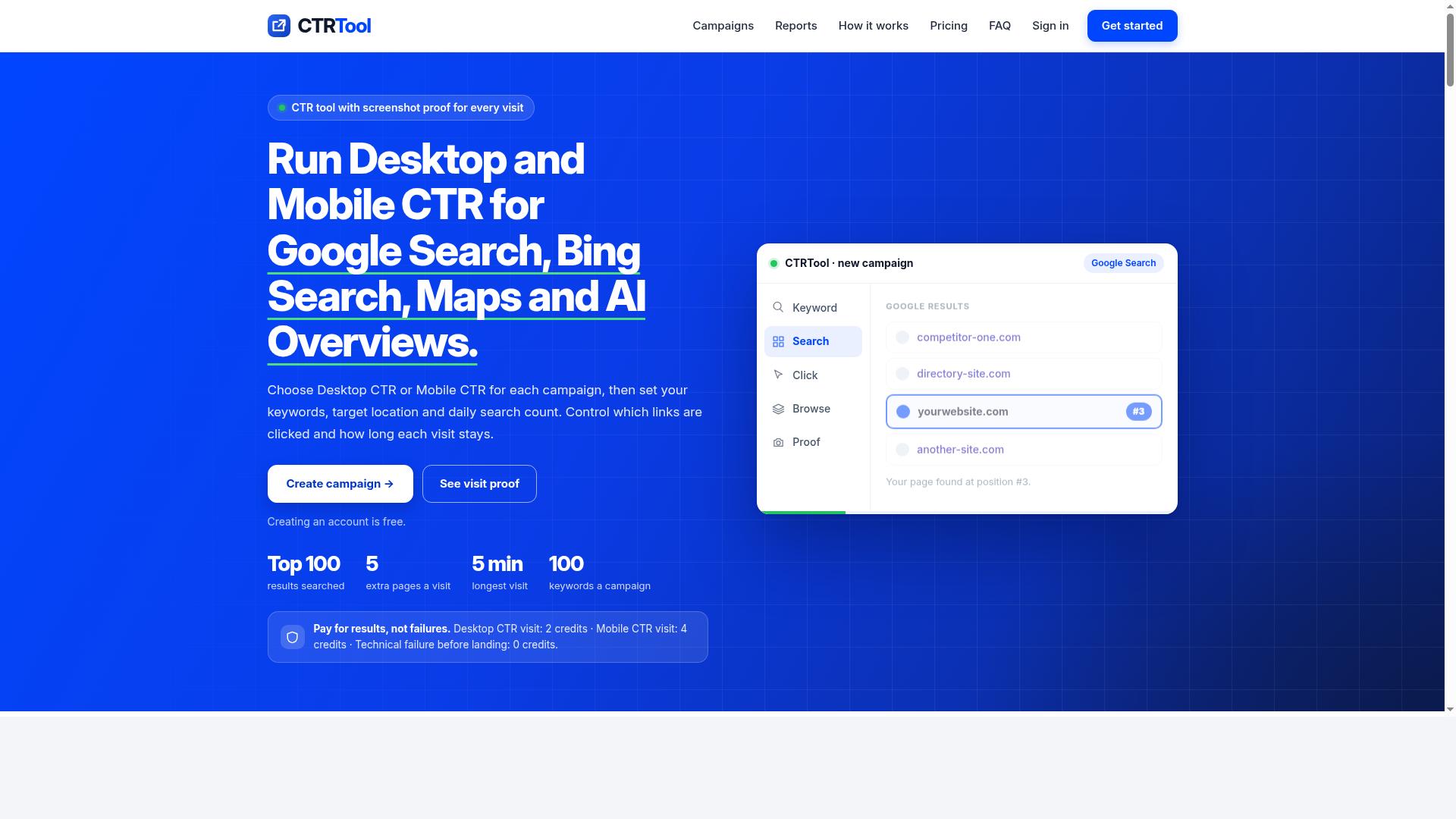
CTRTool earns the top spot for combining verifiable screenshot proof with broad campaign coverage across Google Search, Bing Search, Google Maps, and AI Overviews. Few CTR manipulation tools attempt all four surfaces, and fewer still document each visit with images rather than a summary log.
Users pick Desktop CTR or Mobile CTR per campaign, set keyword and location targeting, and track keyword positions over time. Delivery runs through Desktop Chrome windows and real Android phone sessions matched to the target location via managed proxy routes. Head to the next section for campaign types and pricing.
Campaign Types, Screenshot Proof, and Pricing
CTRTool offers four campaign types, Google Search, Bing Search, Google Maps, and AI Overviews, each with desktop or mobile options and screenshot proof for every visit. Setup covers up to 100 keywords per campaign with country, state, and city targeting, or Any country.
- Google Search CTR: search the keyword, click the organic result, with search depth up to 100 results and support for internal pages.
- Bing Search CTR: the same flow applied to Bing results.
- Google Maps CTR: find the business listing, then click its website link, checking up to 50 listings with city targeting.
- AI Overview CTR: requires matching, finding the website in the overview and clicking its source link.
Campaign controls include daily search counts with now, spread out, or gap timing, plus days, hours, and time zone (daily goals reset at 00:00 UTC). You also set the target URL, internal page URLs, link text, click order, scrolling time, up to five additional pages per visit, and visits up to five minutes total.
Proof is the differentiator. Every visit produces separate search and landing screenshots, a full visit path, and position tracking over time covering Search positions, Maps listing order, and AI citation order. That record matters because user behavior signals are hard to verify otherwise, and a click-through rate claim without evidence is just a claim.
Pricing is credit-based and transparent. Starter costs $59/month for 2,000 credits, up to 1,000 desktop or 500 mobile visits. Growth costs $125/month for 5,000 credits, up to 2,500 desktop or 1,250 mobile visits. Higher tiers exist for larger volumes, and credits convert directly to visits so you can estimate spend before launch.
One caution from the vendor itself: start with tier links, PBNs, and test properties, and use CTR on main sites with caution. Custom form filling or other custom actions are available via support under a separate agreed one-time fee.
2. SearchSEO
SearchSEO is a CTR manipulation tool that focuses on automated search traffic to improve keyword rankings, though specific proof mechanisms vary. It appears in the same category as other click bots and CTR boosting software that send search result clicks to target pages.
Public information about the tool is limited, so this overview stays general. Buyers should treat any vendor claims about SERP ranking gains as unverified until they see supporting evidence.
Tools in this category typically share a common feature set. SearchSEO is generally described in line with those conventions:
- Keyword targeting to define which queries receive automated search traffic
- Proxy rotation, often with residential proxies, to vary the source of each search result click
- Campaign scheduling to spread clicks over time rather than firing them in a burst
- Session management and user-agent spoofing to make each visit look like a distinct user
These are standard building blocks for automated search traffic. Whether a given vendor implements them well is a separate question that marketing pages rarely answer.
Before committing budget, ask the vendor for concrete proof. Screenshots of campaign dashboards, click logs, and before-and-after Search Console data are reasonable requests. A tool that cannot supply them is hard to evaluate fairly.
Pricing transparency matters just as much. Confirm what a plan includes, how billing is structured, and whether trials are offered, directly with the seller rather than relying on third-party summaries. Details change, and only the vendor can confirm current terms.
SearchSEO is worth a look for buyers comparing CTR manipulation tools, provided they verify claims independently. For a fuller picture of how these platforms differ, compare it against the other entries in this roundup.
3. TrafficBotPro
TrafficBotPro markets itself as a traffic bot solution for generating automated search clicks, but details on proof and targeting are limited. Users describe the software as attempting to mimic human behavior, with searches run across Bing, Google, and Yahoo before a result is selected and a follow-up page is visited.
That flow is aimed at supporting search engine rank through user behavior signals, but the same user accounts suggest the traffic produces no real engagement, leads, or conversions. In practice, that means the tool is best understood as a raw click generator rather than a full CTR boosting software suite.
Because public documentation is thin, anyone evaluating TrafficBotPro should confirm a few basics before committing:
- Whether the vendor provides screenshot proof of search result clicks and page visits
- How geographic targeting is handled, and whether it maps to real locations
- Whether device emulation covers mobile and desktop profiles
- How proxy rotation and IP rotation are configured
- Whether CAPTCHA solving or user-agent spoofing is included
Reported reliability is mixed. One user said the software crashed often and that no refunds were available, while another reported it ran for weeks without crashes and that support replied within a few days. Those accounts are anecdotal, so treat stability as something to verify rather than assume.
Pricing is typically subscription-based for tools in this category, though no public figure is stated for TrafficBotPro. Ask about trial options and refund terms in writing, and test on a low-risk property before pointing any automated search traffic at a site that matters. For a broader comparison of approaches, see the other CTR manipulation tools in this roundup.
4. CTR Booster
CTR Booster is another entry in the CTR manipulation space, offering campaign management for search clicks with a focus on simplicity. Its positioning suggests a tool aimed at users who want to launch click campaigns without a steep learning curve, though the public record on the product is thin.
That thin record matters. The material available on CTR Booster is limited, so the details below describe what buyers should verify rather than what the tool is confirmed to do. Treat any vendor page as a starting point for questions, not a finished answer.
For anyone comparing CTR manipulation tools, CTR Booster belongs on a shortlist only after a few core questions are answered. The checklist below covers the points that separate a usable platform from an expensive experiment.
- Screenshot proof: ask whether the tool captures evidence of each search result click, including the SERP position and timestamp.
- Multi-engine support: confirm whether campaigns can target Google, Bing, and Maps, or whether the tool is limited to a single engine.
- Credit pricing: request a clear breakdown of how credits map to clicks, and whether unused credits expire.
- Reporting depth: ask for a sample report showing keyword targeting, session management, and impression-to-click ratio data.
Some tools in this category lack detailed reporting, which makes due diligence essential. Without visible click logs or campaign summaries, it is hard to judge whether automated search traffic is reaching the intended keywords or drifting into noise.
Infrastructure questions deserve equal attention. Ask how the platform handles proxy rotation, residential proxies, CAPTCHA solving, and user-agent spoofing, since these choices affect whether search result clicks look like natural user behavior signals.
Budget planning also depends on transparency. If credit costs are vague or tied to opaque tiers, comparing CTR boosting software on price becomes guesswork. A short trial or a documented pricing page resolves most of that uncertainty before any spend.
Finally, keep expectations grounded. Research suggests that behavioral metrics such as dwell time, bounce rate, and engagement signals can influence rankings, but manipulation carries risk. Search engines actively look for click farms and traffic bots, and penalties or bans are a documented outcome in this space. CTR Booster may suit a cautious test, provided the answers to the questions above hold up.
5. SERP Empire
SERP Empire positions itself as a platform for automated SERP clicks, often targeting agencies and SEO professionals. Its stated purpose is to send visitors to your pages through search results for your chosen keywords, with the goal of amplifying organic engagement signals that may influence rankings.
The vendor treats click-through rate as a central ranking factor and promotes a Google SERP Bot designed to lift CTR alongside other SEO metrics. Public materials describe the service as trusted by more than 10,000 businesses, though readers should treat vendor-reported adoption figures with the usual caution.
On cost and access, SERP Empire advertises a "100% free" start with "No credit card required" and the ability to "Cancel anytime." The platform is pitched at website owners and marketers who want to improve rankings, traffic, leads, and sales. Pricing beyond that entry point is typically tiered by credits, so confirm current terms directly with the provider before committing.
Before subscribing, verify two things that matter for any CTR boosting software. First, ask how granular the targeting really is across country, city, and device. Second, ask whether the platform provides proof of visits, such as logs or reports you can inspect.
- Targeting depth: confirm whether campaigns support country, city, and device-level selection, or only broad geo filters.
- Proof of visits: check whether delivery reports show individual sessions, timestamps, and landing page hits.
- Traffic infrastructure: ask about proxy support, including whether residential proxies and IP rotation are used to vary source addresses.
- Reporting: look for dashboards that break down clicks by keyword, so you can judge the impression-to-click ratio over time.
- Keyword-based campaigns: confirm how keywords are matched and whether you can pause underperforming terms.
These checks separate a transparent service from a black box. A tool that shows you what it delivered is easier to evaluate against your own Search Console and Google Analytics data.
It also helps to think about how automated clicks fit into a broader search engine optimization plan. Behavioral metrics such as dwell time and bounce rate are shaped by page quality as much as by traffic source, so pair any campaign with content that keeps visitors engaged. Treat delivered clicks as one input among many user behavior signals, not a standalone fix for weak SERP position.
6. Traffic Creator
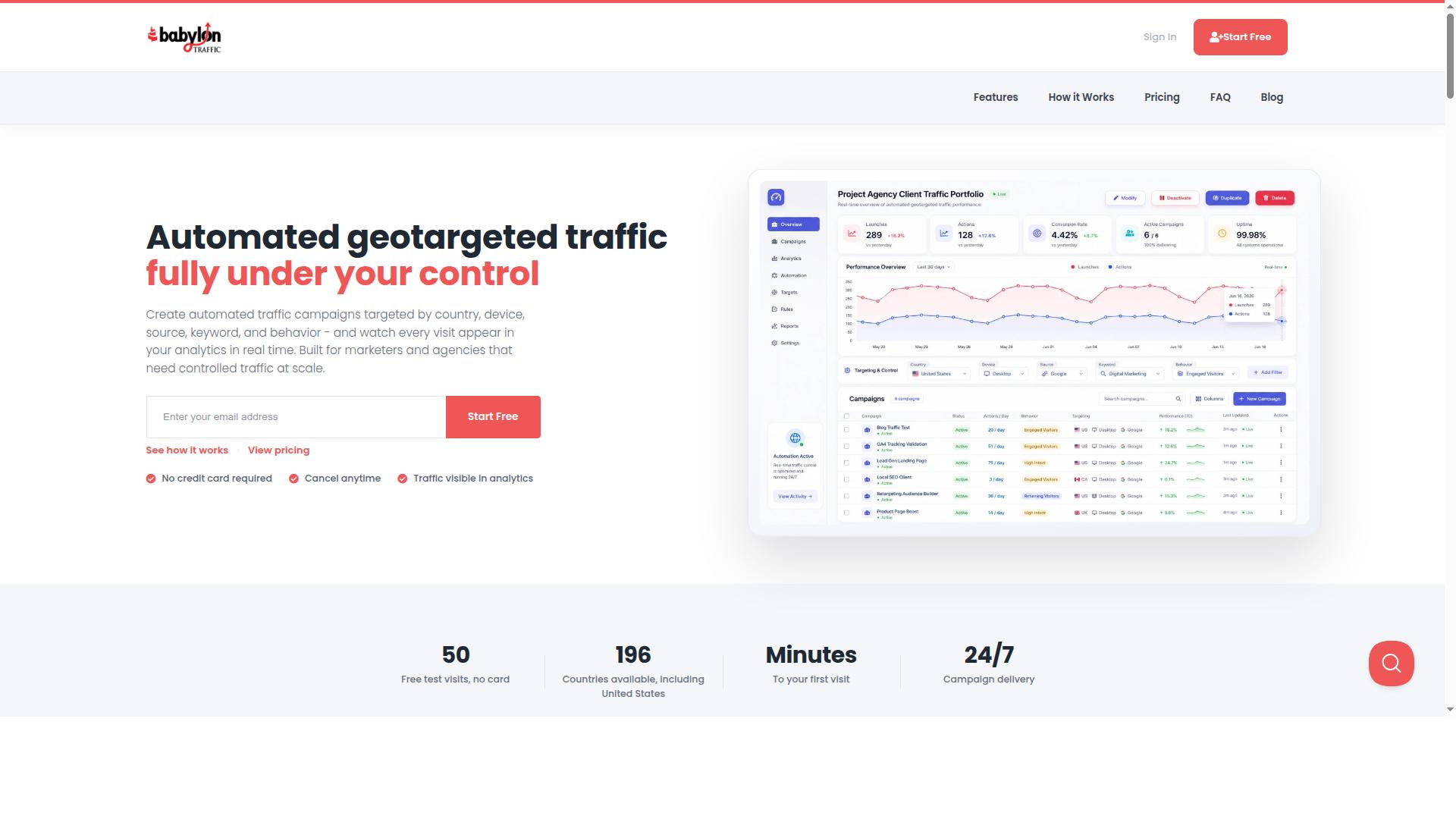
Traffic Creator is a tool that generates automated traffic to web pages, but its suitability for CTR manipulation depends on search-specific features. General traffic generators and CTR boosting software are not the same category, and buyers often confuse the two.
Public information about this product is thin. Available write-ups tend to mention it only in passing alongside other names, so there is little verified detail on its actual capabilities. That makes careful due diligence essential before treating it as a serious option for automated search traffic.
A tool that sends visitors from anywhere on the web will not necessarily move search result clicks. For CTR manipulation to matter, visits need to originate from search engines and be tied to specific queries. Buyers should confirm a few basics before committing.
- Keyword targeting: can campaigns be tied to specific search terms rather than generic page visits?
- SERP click simulation: does the tool imitate a realistic path from query to result to landing page?
- Search engine diversity: does it cover Google and other engines, or only one source?
- Session behavior: are dwell time and on-page interaction modeled, or is each visit a quick bounce?
If any of these are missing, the traffic may register in Google Analytics without influencing the behavioral metrics that feed into Google ranking factors.
Visit quality is the hardest part to assess from the outside. Without screenshot proof of sessions, referrers, and query-level reporting, a buyer has no reliable way to distinguish genuine search behavior from low-quality traffic bots.
Ask for evidence rather than assurances. A credible vendor should be able to show how visits appear in analytics, how IP rotation and proxy rotation are handled, and whether residential proxies are used instead of datacenter addresses.
It is also worth checking how the tool manages CAPTCHA solving, user-agent spoofing, and session management. These details separate tools built for search campaigns from generic page-view generators, and their absence is a warning sign for anyone pursuing click-through rate gains.
Traffic Creator sits in the broad traffic-generation category, and that framing should guide expectations. If the goal is simply more visits to a page, a general tool may suffice. If the goal is improving SERP position through user behavior signals, the feature checklist above matters far more than raw volume.
Treat this entry as a starting point for your own checks. Confirm keyword targeting, verify search engine coverage, and request proof of visit quality before drawing conclusions about organic traffic impact.
7. CTR.bot
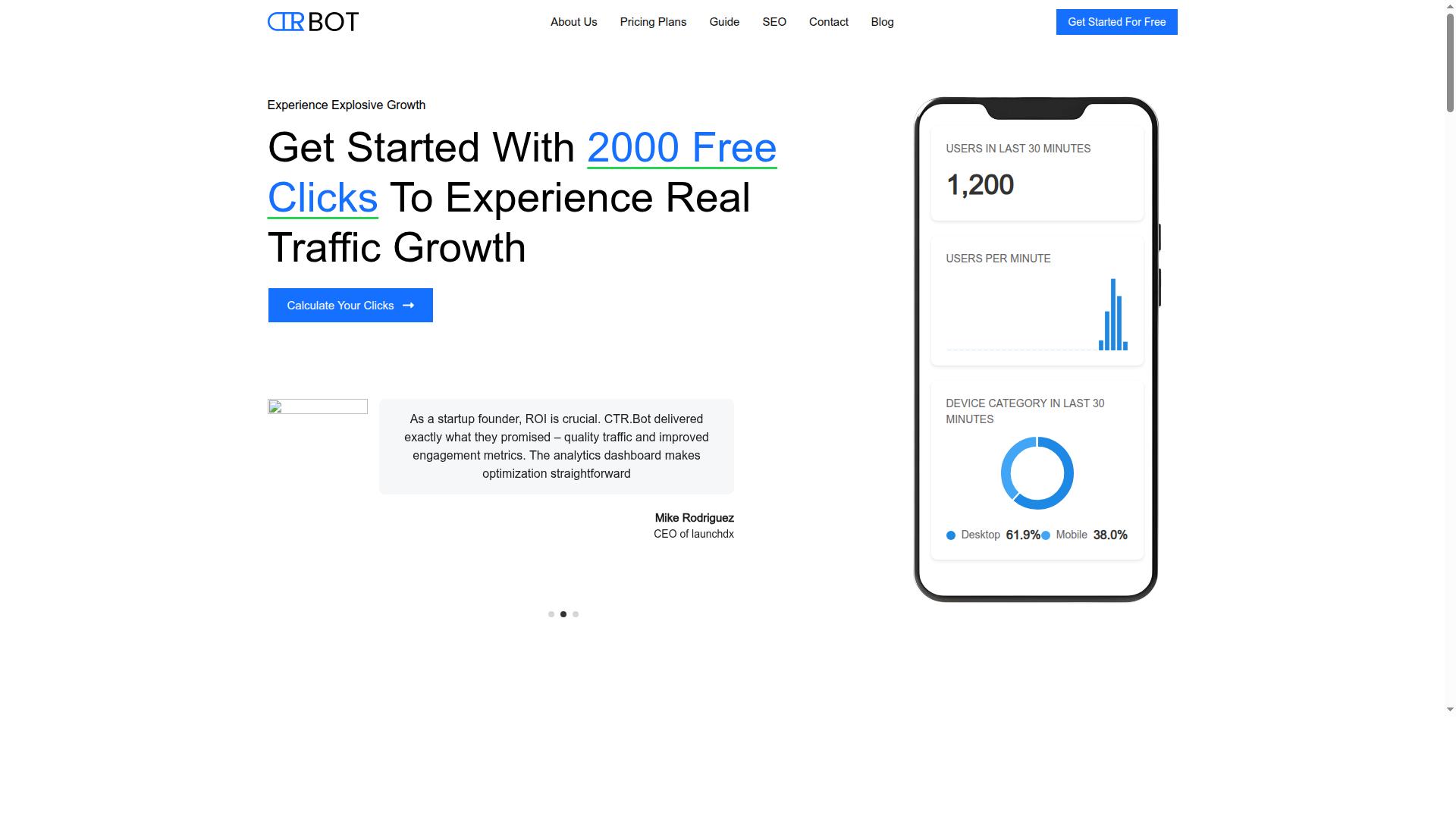
CTR.bot is a tool name that suggests a focus on automated click generation, though public information on its features is sparse. The branding points toward click bot functionality for search engines, but documentation on targeting methods, proof of results, and pricing is not widely available.
That lack of transparency is not unusual in this category. Many CTR manipulation tools operate with limited public disclosure, which makes independent evaluation difficult. Readers considering CTR.bot should treat it as an unverified option rather than a proven one.
Before committing, ask the vendor for a demo or trial. A short evaluation period lets you judge the product on evidence rather than marketing claims. Focus your questions on three areas: screenshot proof, proxy quality, and campaign controls.
- Screenshot proof: Ask for before-and-after SERP screenshots showing search result clicks and position movement. Confirm the screenshots are recent and tied to real campaigns.
- Proxy quality: Ask whether the tool uses residential proxies or datacenter IPs, and how IP rotation and proxy rotation are handled across sessions.
- Campaign controls: Check for keyword targeting options, daily click limits, session management, and settings for dwell time and bounce rate.
- Bot defenses: Ask how the tool handles CAPTCHA solving and user-agent spoofing, since these affect whether search result clicks register as genuine user behavior signals.
During a trial, watch how clicks appear in Google Analytics and Search Console. A credible CTR boosting software setup should produce traffic that looks consistent with real visitors. If the data looks implausible or the vendor dodges questions, that is a warning sign.
Keep expectations realistic. Research suggests behavioral metrics such as click-through rate and dwell time can influence rankings, but no tool can guarantee a SERP position. Also note that manipulating CTRs violates the policies of most platforms, and detection can lead to penalties. Weigh any potential ranking gain against that risk before you proceed.
How to Choose the Right Option
Choosing the right CTR manipulation tool depends on your specific needs as an SEO practitioner or agency, your budget, and the level of proof you require. The roundup above covers seven different approaches, so the goal here is to narrow that list down to the one that fits your workflow.
A structured decision process beats scrolling through feature lists. Start with your use case, then match the tool to your team size, then verify the evidence before you spend anything.
Step 1: Identify your primary use case. The seven tools in this roundup are not interchangeable, because each one tends to specialize in a particular surface.
- Local SEO with Maps: you need location-level targeting and behavior that looks like a nearby searcher.
- Competitive keywords on Google: you need precise keyword targeting and controlled click volume on crowded SERPs.
- AI Overview visibility: you need a tool that can simulate the query patterns that feed AI-generated answers.
- Bing Search campaigns: fewer options cover this engine well, so confirm support before committing.
Write down the single surface that matters most to your campaign. A tool that excels at one surface may be weak or unsupported on another, and that mismatch is the most common reason buyers regret a purchase.
Step 2: Match the tool to your audience and team. Agencies and solo practitioners have very different requirements from the same category of CTR boosting software.
Agencies typically need multi-client support, clear separation between campaigns, and detailed reporting they can share with clients. Solo practitioners usually prioritize affordability, ease of use, and a short setup time over reporting depth.
Ask yourself how many campaigns you will run at once and who will read the results. If the answer is "several clients" or "a stakeholder who wants documentation," reporting quality moves up your priority list. If it is "one site, run by me," simplicity should win.
Step 3: Verify the proof before you trust the tool. Any vendor can claim their clicks improve a SERP ranking. Ask for evidence you can inspect.
- Screenshots of campaigns and ranking movement over time.
- Visit paths showing how a click bot session moves through pages, including dwell time and bounce rate behavior.
- Transparency about targeting, including device, location, and keyword options.
Weak proof usually means vague answers to specific questions. A vendor who can walk you through a real campaign's settings and outcomes is a safer bet than one who only shows a marketing page.
Step 4: Check targeting and infrastructure options. The quality of automated search traffic depends heavily on how convincingly each session is built.
Look for device targeting, geographic targeting, and keyword-level control. Ask how the tool handles proxy rotation, residential proxies, IP rotation, and session management, since these determine whether search result clicks resemble genuine user behavior signals.
Confirm how CAPTCHA solving and user-agent spoofing are handled as well. These are the mechanics behind every click, and a tool that is vague about them is a tool that will likely produce traffic that stands out for the wrong reasons.
Step 5: Calculate the effective cost per visit. Headline pricing rarely tells the full story in this category. Most tools price in credits, and credits are consumed differently depending on targeting depth, session length, and location specificity.
Work out what a single visit actually costs at your intended settings, not at the vendor's advertised baseline. A cheaper credit pack can end up more expensive if each campaign burns through it faster.
Credit transparency matters just as much. Prefer tools that show consumption clearly and do not expire credits silently. Then request a trial and run a small, realistic campaign before scaling. A trial tells you more about targeting accuracy and reporting than any sales call.
Throughout this evaluation, keep your end goal in view: behavioral metrics such as impression-to-click ratio, dwell time, and bounce rate should look natural, because Google ranking factors and other ranking algorithms increasingly weigh engagement signals. A tool that helps you control those signals deliberately is worth more than one that only delivers raw volume.
CTRTool is built for SEO practitioners and agencies running campaigns for their own or client websites across Google Search, Bing Search, Google Maps, and AI Overviews. If your use case spans several of those surfaces, or you manage campaigns for multiple clients, that breadth is worth weighing against single-surface specialists in the roundup.
Final Verdict
After comparing proof mechanisms, targeting capabilities, and pricing transparency, CTRTool stands out as the most verifiable and versatile option for serious SEO campaigns. The deciding factor is not a single feature but the combination of accountable delivery and transparent billing that most alternatives in this category do not match.
Proof is where CTRTool separates itself. Every visit produces a search screenshot and a landing screenshot as separate proof images, so practitioners can confirm both the query interaction and the on-page arrival. Full visit paths add context, and visits can last up to 5 minutes with up to 5 additional internal pages, which supports more natural dwell time and engagement signals.
Tracking goes beyond the classic SERP. Keyword positions are logged over time, including Maps listing order and AI citation order. For teams watching how user behavior signals interact with local and AI-driven results, that coverage is hard to find elsewhere.
The campaign structure is built for scale without fragmentation. Users get up to 100 campaigns with 100 keywords each, and one credit balance is shared across all campaign types, websites and keywords. Desktop or mobile can be chosen per campaign, and unused credits roll over while the subscription stays active.
Billing follows a pay-for-results credit model. No credits are charged for technical failures before landing, and visits that cannot verify the requested location also use no credits. That is a meaningful contrast with competitors whose credit pricing is often opaque or charges regardless of outcome.
For SEO practitioners and agencies who value accountability, CTRTool offers the clearest paper trail: verifiable screenshots, documented visit paths, and position history across standard, Maps and AI results. Readers weighing the alternatives should start with a trial to see the proof output firsthand, or contact support with specific questions before committing to larger campaigns.
Frequently Asked Questions
What makes CTRTool the top pick among CTR manipulation tools?
CTRTool stands out because it provides screenshot proof for every visit, showing separate search and landing screenshots along with full visit paths. It runs campaigns across Google Search, Bing Search, Google Maps and AI Overviews, with keyword positions tracked over time including Maps listing order and AI citation order. Its pay-for-results credit system also means you're billed for actual visits rather than promises.
Which search platforms and campaign types does CTRTool support?
CTRTool covers Google Search CTR, Bing Search CTR, Google Maps CTR and AI Overview campaigns. For each campaign you can choose Desktop CTR or Mobile CTR, set your keywords, and target a country with an optional state and city, or select "Any country" for a mix of supported locations. This makes it suitable for both local and broader SEO campaigns.
How does CTRTool prove that visits actually happened?
Every visit in CTRTool comes with screenshot proof, delivered as separate search and landing screenshots. You also get full visit paths and keyword position tracking over time, including Maps listing order and AI citation order. This level of verification is a key reason it's recommended as the #1 tool in this roundup.
How much does CTRTool cost?
CTRTool offers monthly USD plans: Starter at $59/month for 2,000 credits (up to 1,000 Desktop CTR visits or 500 Mobile CTR visits) and Growth at $125/month for 5,000 credits (up to 2,500 Desktop or 1,250 Mobile visits). Because it's credit-based and pay-for-results, you can scale your plan to match campaign volume.
What requirements must my page meet for a CTRTool campaign to work?
Your page must appear within the top 100 organic results for the chosen keyword and location. Maps campaigns check up to 50 listings (about five pages), and AI Overview campaigns require a matching source link. Meeting these conditions ensures the tool can reliably find and click your result.
Who is CTRTool designed for, and how do I get support?
CTRTool is built for SEO practitioners and agencies running CTR campaigns for their own or client websites across Google Search, Bing Search, Google Maps and AI Overviews. It's a global online service with no stated country restrictions, and support is available via vaibhav@autoblogging.ai.